
Design.com vs Competitors: Best Logo Creator in 2026
Choosing the right logo maker is important for your brand. A logo often provides the first impression of your business, so it needs to be professional, unique, and adaptable for websites, social media, and print.
In 2026, AI-powered logo tools will make logo creation quick and easy. Popular options include Design.com, BrandCrowd, Adobe Express, Canva, LogoMakr, and DesignEvo. Each option has differences in quality, customization, and cost.
Key Factors to Consider:
- Design Quality: Professional and modern logos.
- Customization: Fonts, colors, icons, and layouts.
- Ease of Use: Quick and intuitive creation.
- Speed: Time from initial input to final logo download
- Commercial Use: Safe for business.
- File Formats: High-resolution and vector files.
Feature Comparison Chart
| Feature | Design.com | Canva | LogoMakr |
| Ease of use | Very beginner-friendly, guided flow | Easy but with more manual control | Simple but less guided |
| Design approach | AI + professionally structured templates | Drag-and-drop canvas editor | Icon-based manual builder |
| Template library | Massive (hundreds of thousands) | Large multi-purpose library | Limited icons/templates |
| Customization | Controlled and safe edits | Highly flexible but manual | Basic customization |
| Branding tools | Full suite (presentations, social, websites) | Broad design ecosystem | Mostly logo-focused |
| Output quality | High-quality, scalable logos | Depends on user design choices | Good for simple logos |
| File formats | SVG, PNG, EPS, PDF, more | SVG (Pro), PNG, PDF | PNG, SVG, PDF |
| Free tier | Yes (limited downloads) | Yes (with limitations) | Free low-res downloads |
| Best for | Fast, polished branding | Creative flexibility | Quick simple logos |
-
Design.com
Design.com is an all-in-one AI platform for creating logos and complete brand identities. It combines speed, customization, and professional-quality design tools.
Strengths
- Largest logo library with over 400,000 templates.
- Built-in AI tools for logos, websites, business cards, flyers, posters, presentations, and name generation.
- Extensive customization through AI chat.
- Professional designs that include exclusive fonts and shapes.
- Logos that are safe for commercial use.
Additional Tools
- Over 50 branding tools, including social posts, presentations, QR codes, menus, and letterheads.
- File formats offered: SVG, EPS, PDF, PNG, JPG, GIF, MP4.
- Merchandise printing for cards, mugs, and apparel.
- Free website builder and digital business card maker.
- Domain registration, favorites, and voting polls.
- 24/7 support with options for multiple languages and currencies.
Pricing
- Free Tier: Free logos, templates, and design tools with website, bio link, and digital card makers; premium is needed to download created designs.
- Premium Logo Pack: $3 per month (Your logo is yours forever, Cancel anytime, High-res and vector logo files, Unlimited logo changes).
- Premium Logo Pack + Website: $4 per month (Everything in Logo Pack + Website builder.
Logo Samples
Music
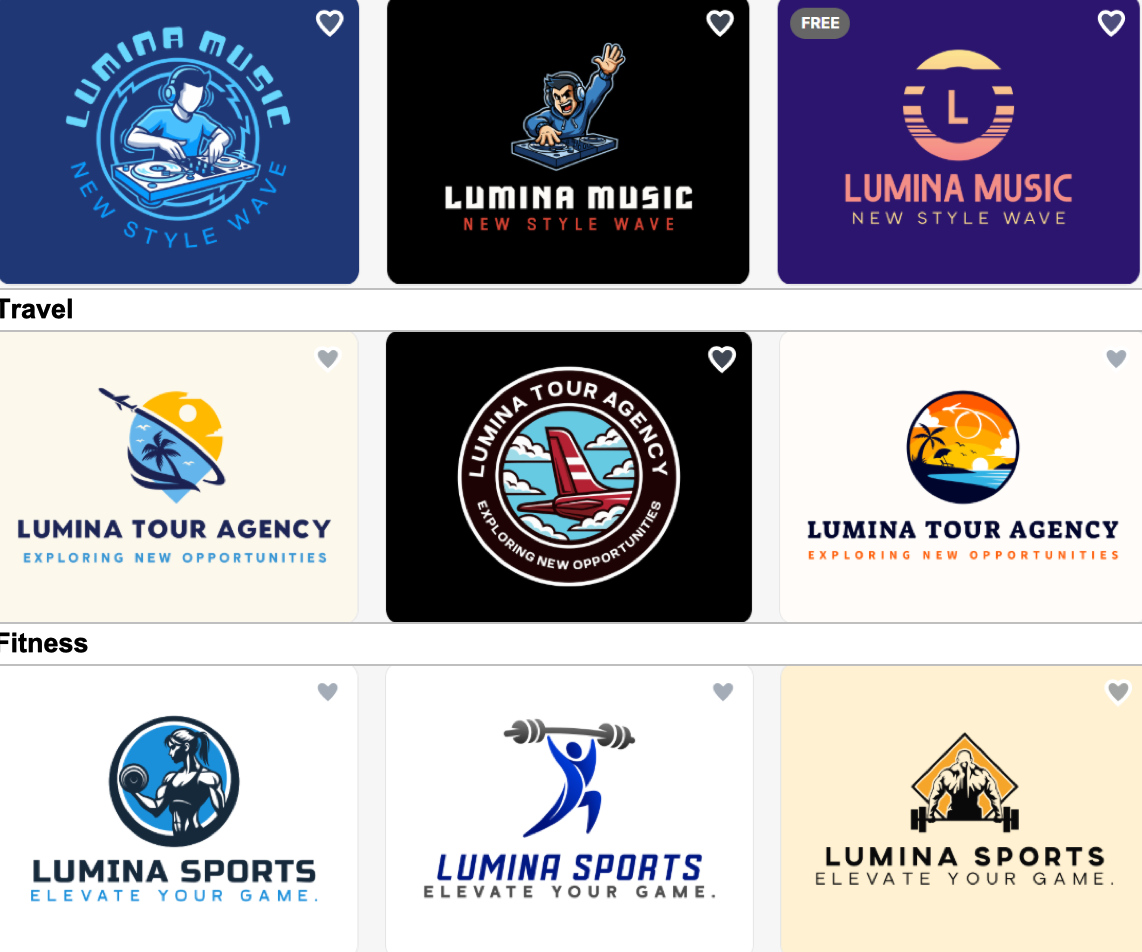
Best overall platform for high-quality logos and full branding tools. Ideal for businesses that want scalability and professional results.
-
Canva
A beginner-friendly design platform focused on templates and visual content.
Strengths
- Easy-to-use platform with a drag-and-drop editor.
- Thousands of templates for logos, social posts, presentations, and print designs.
- Quick manual edits and AI suggestions.
- A large library of fonts, icons, and images.
- Free and premium templates for various industries.
Additional Tools
- Social media graphics, videos, presentations, posters, and flyers.
- Print-ready templates.
- File formats: PNG, JPG, PDF, SVG (premium).
- Free website builder and link-in-bio creator included in some plans.
- Collaboration features for teams.
Weaknesses
- AI-generated logos are limited.
- Logos may be less unique due to the template-based approach.
- Full vector downloads require a premium.
Pricing
- Free: Access basic design tools and templates at no cost.
- Pro ($15/mo): Unlock premium templates, tools, and AI features.
- Business ($21/mo): Tools for teams and quicker content creation.
- Enterprise: Custom solutions for organizations, contact sales.
Logo Examples
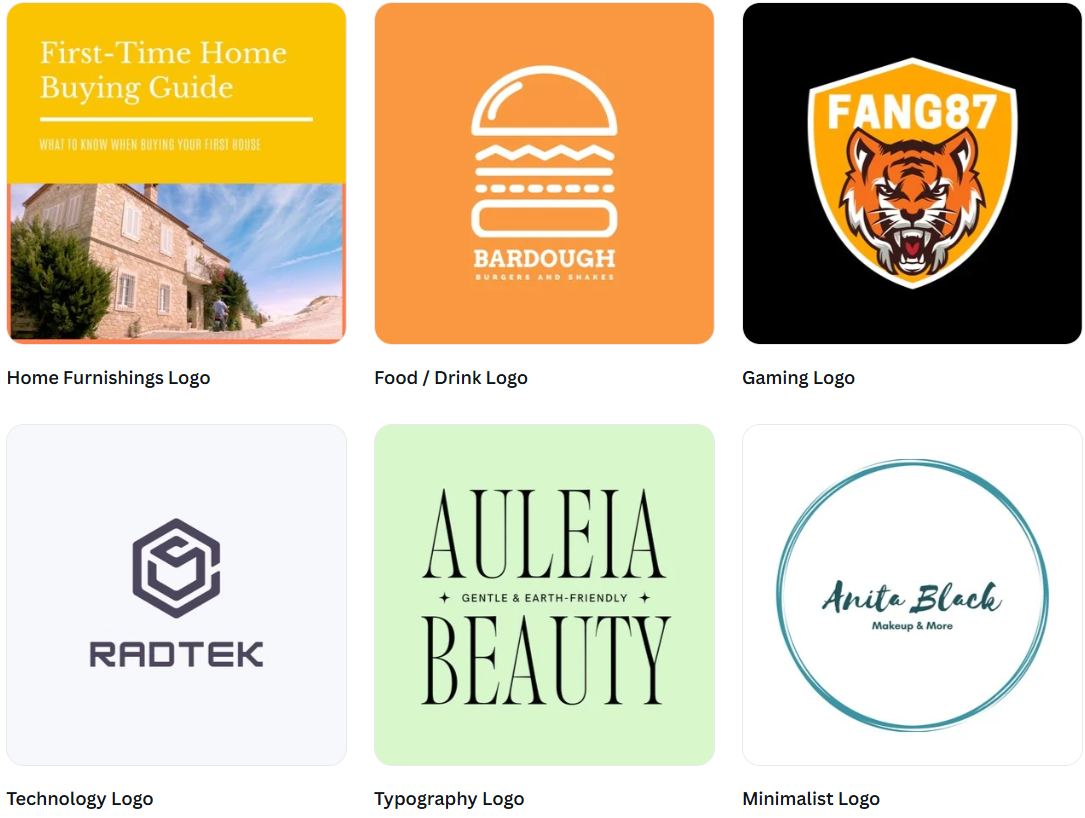
A beginner-friendly design platform focused on templates and visual content.
-
LogoMakr
A simple logo maker built for quick and basic logo creation.
Strengths
- Simple and user-friendly interface.
- Drag-and-drop editing for quick logo creation.
- A large library of icons and shapes.
- Instant preview of edits.
Additional Tools
- Templates for basic logos.
- Export options: PNG, JPG, SVG (paid).
- Some social media templates included.
- Free icons and shapes for creative customization.
Weaknesses
- Logos can appear generic.
- Limited branding and marketing tools.
- Full vector download requires payment.
- Smaller template library compared to competitors.
Pricing
- Basic: $29 includes Web-based files, Full commercial rights, One-time payment
- Pro: $60 includes Web-based files, Raster files, Vector files, Full commercial rights
- Business: $120 includes Web-based files, Raster files, Vector files, Full commercial rights, 30 extra design credits